AeroSyncFS
A downloadable game for macOS
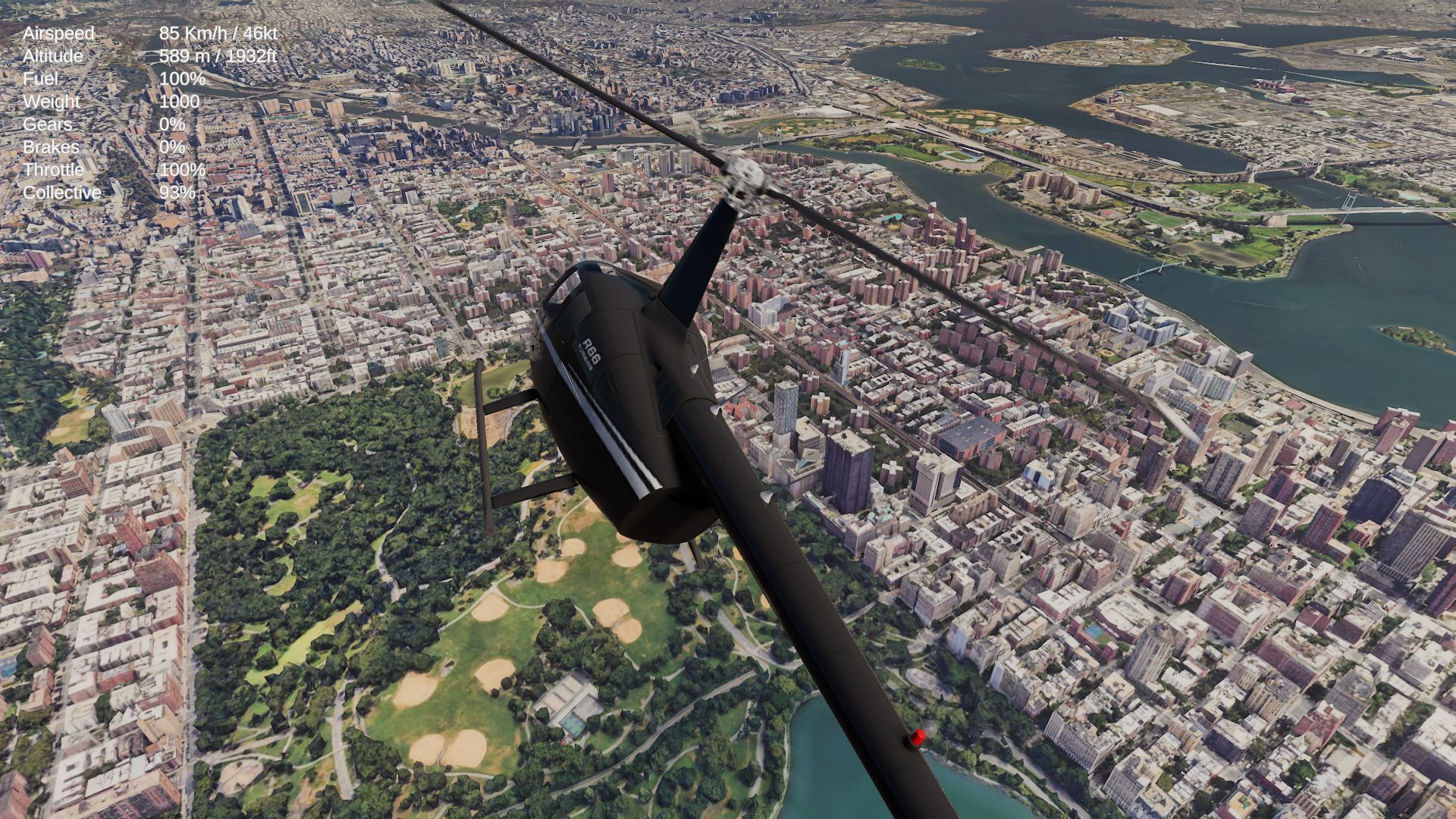
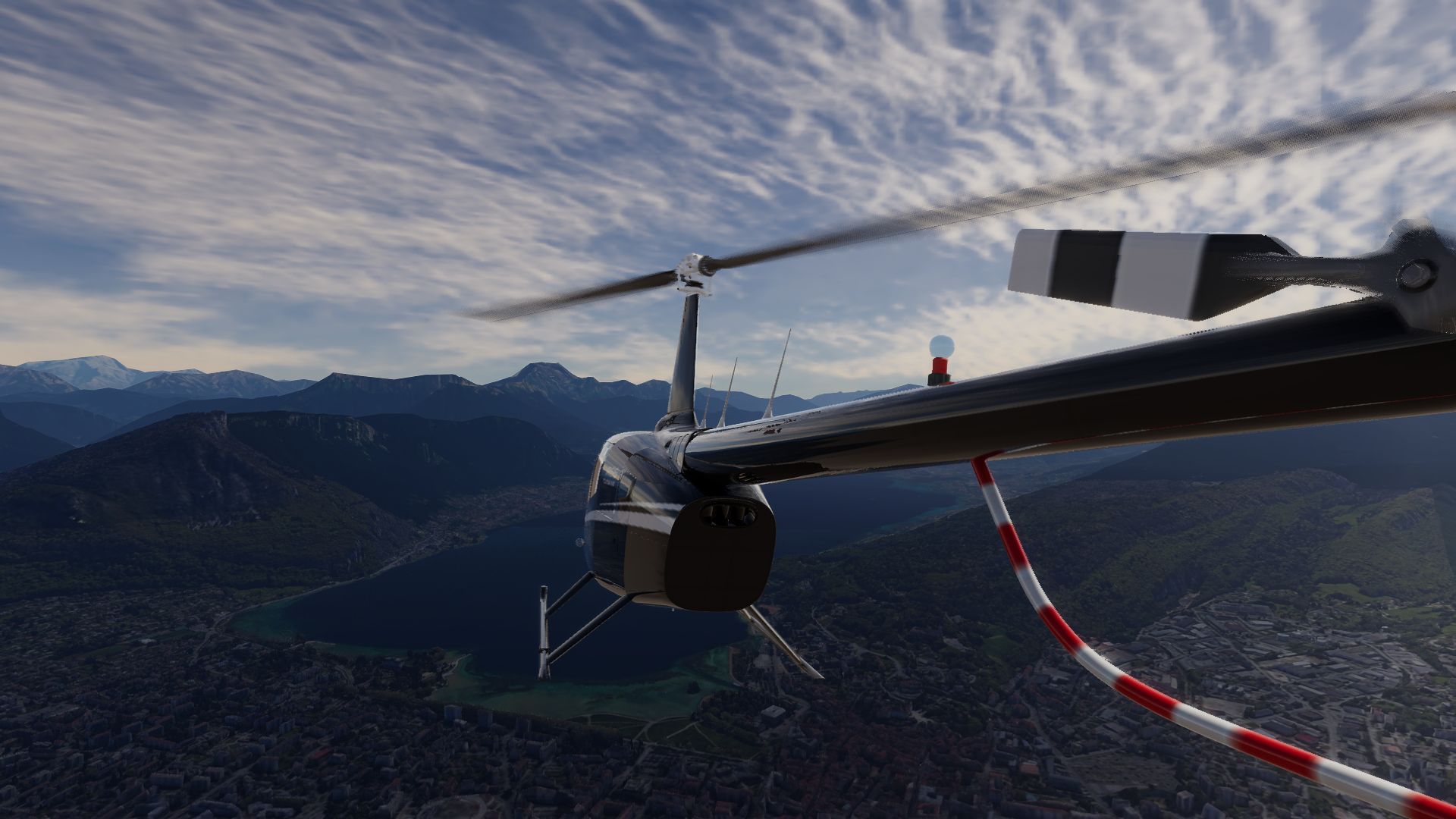
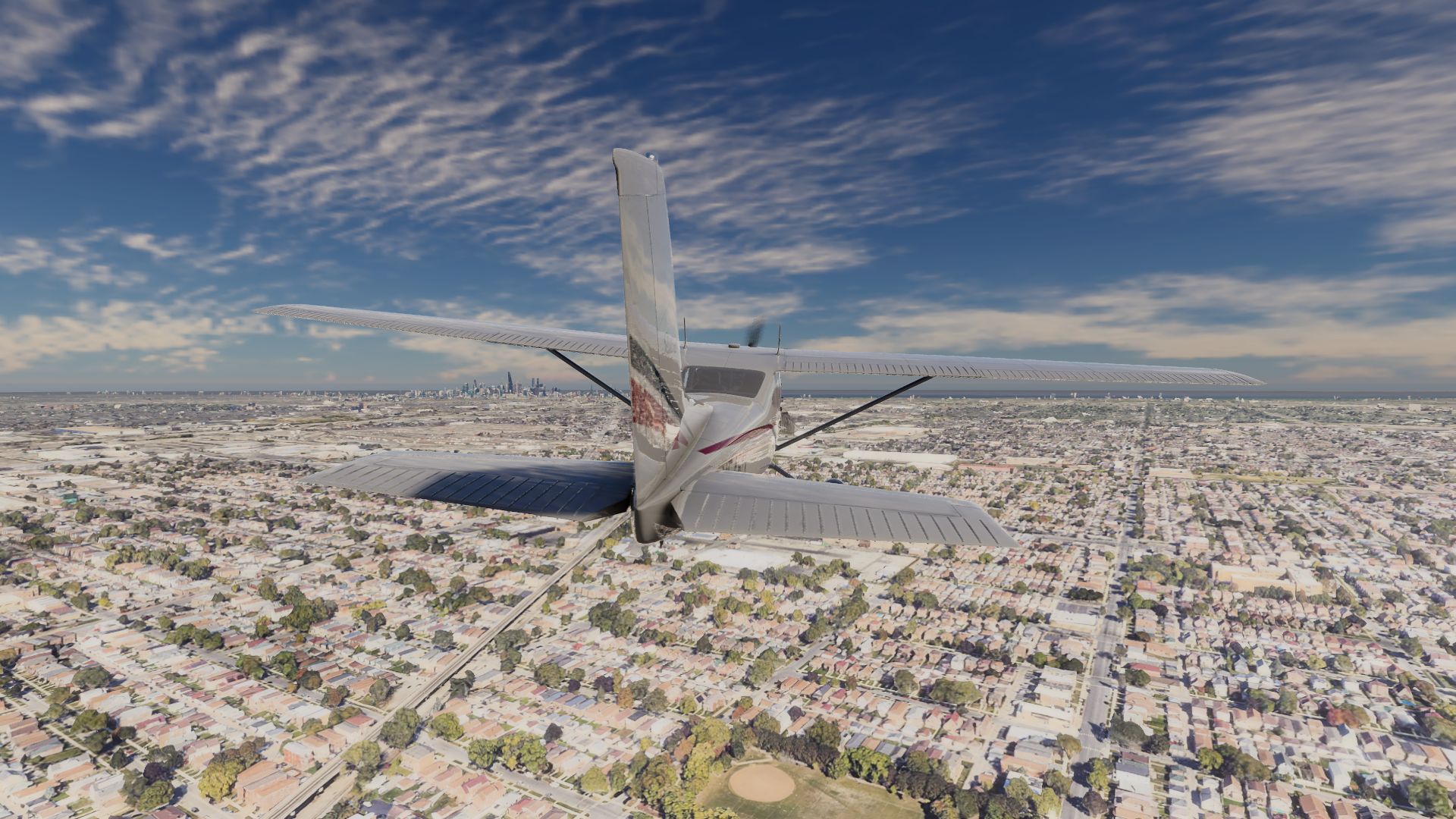
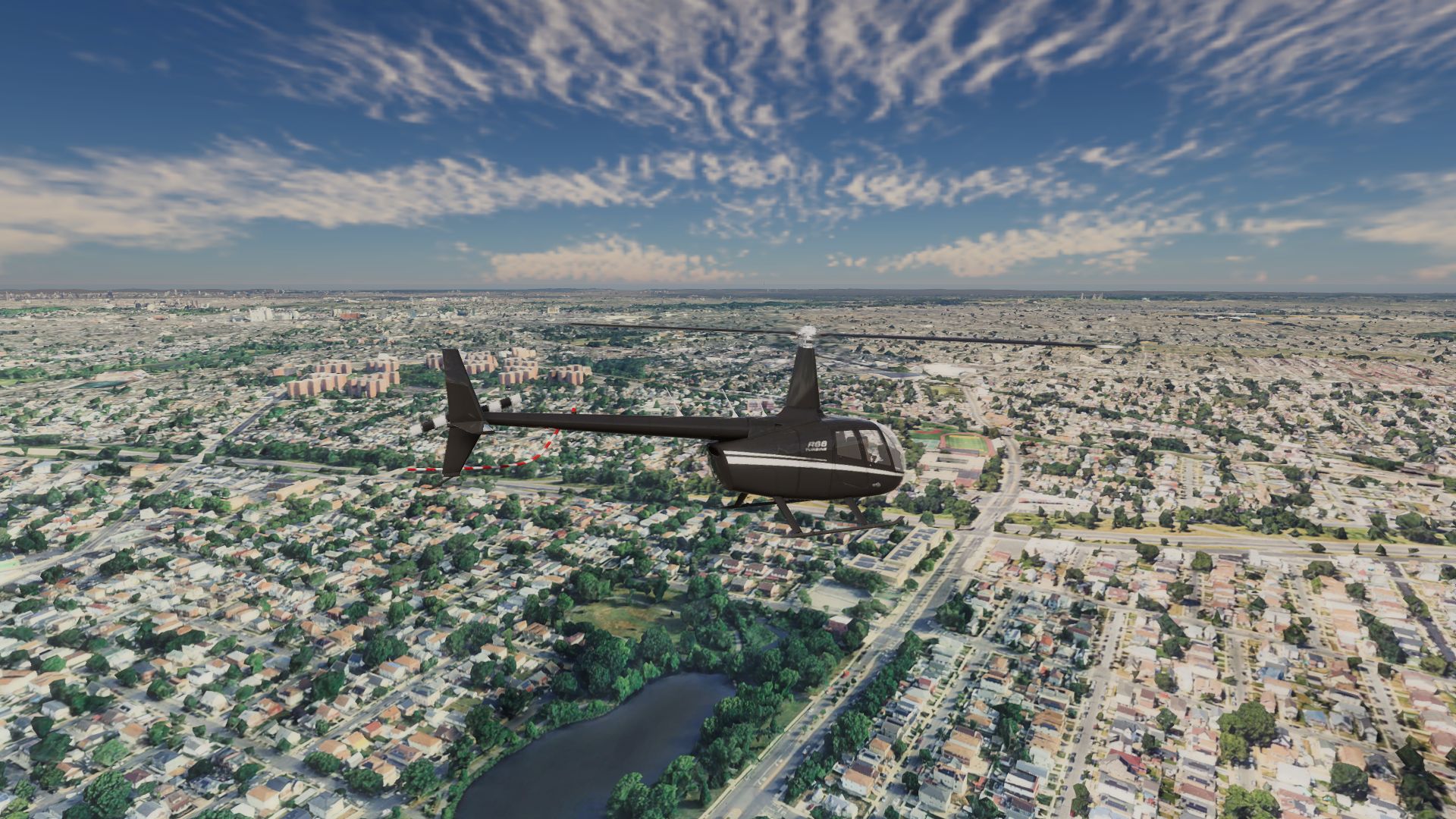
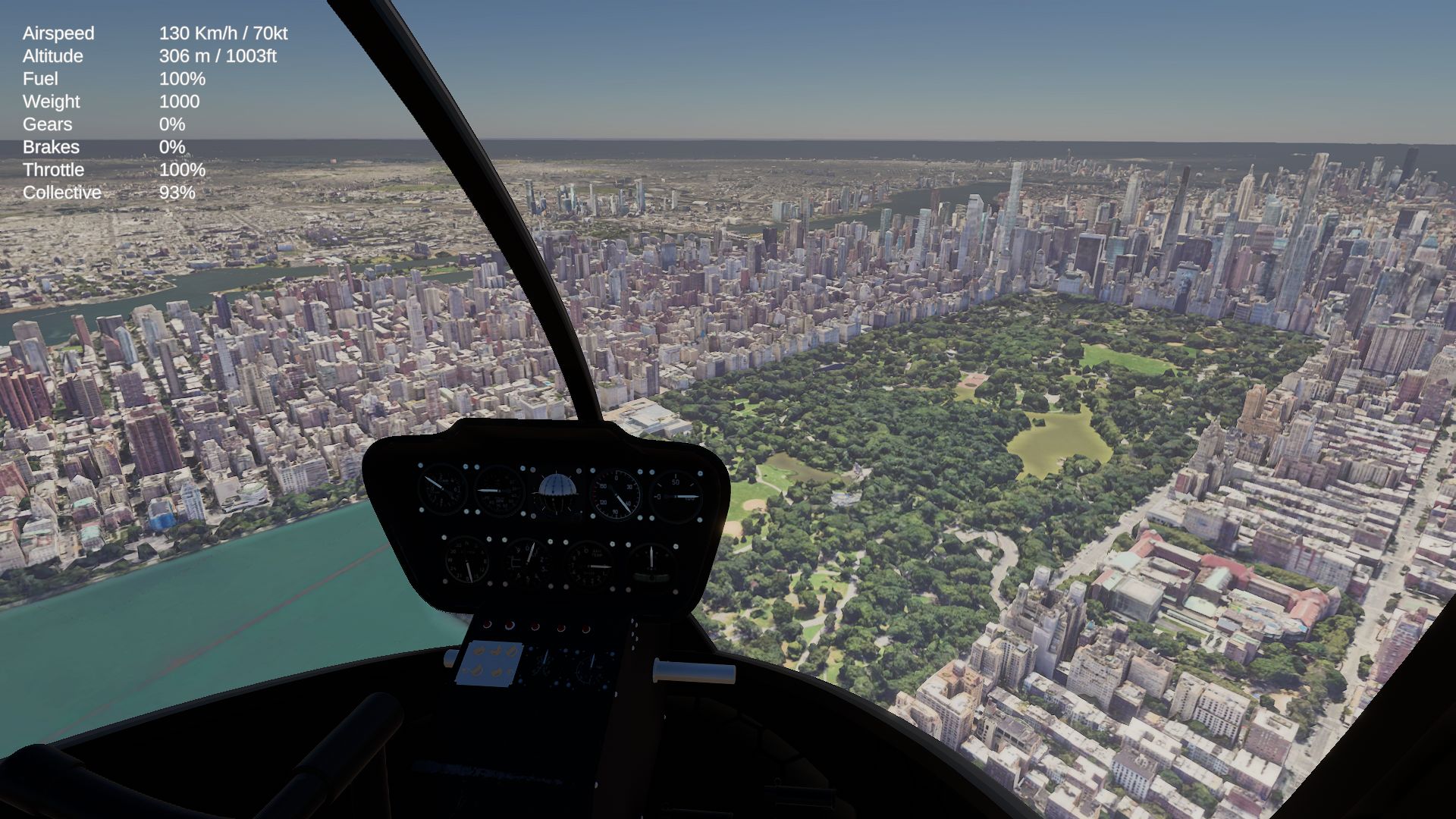
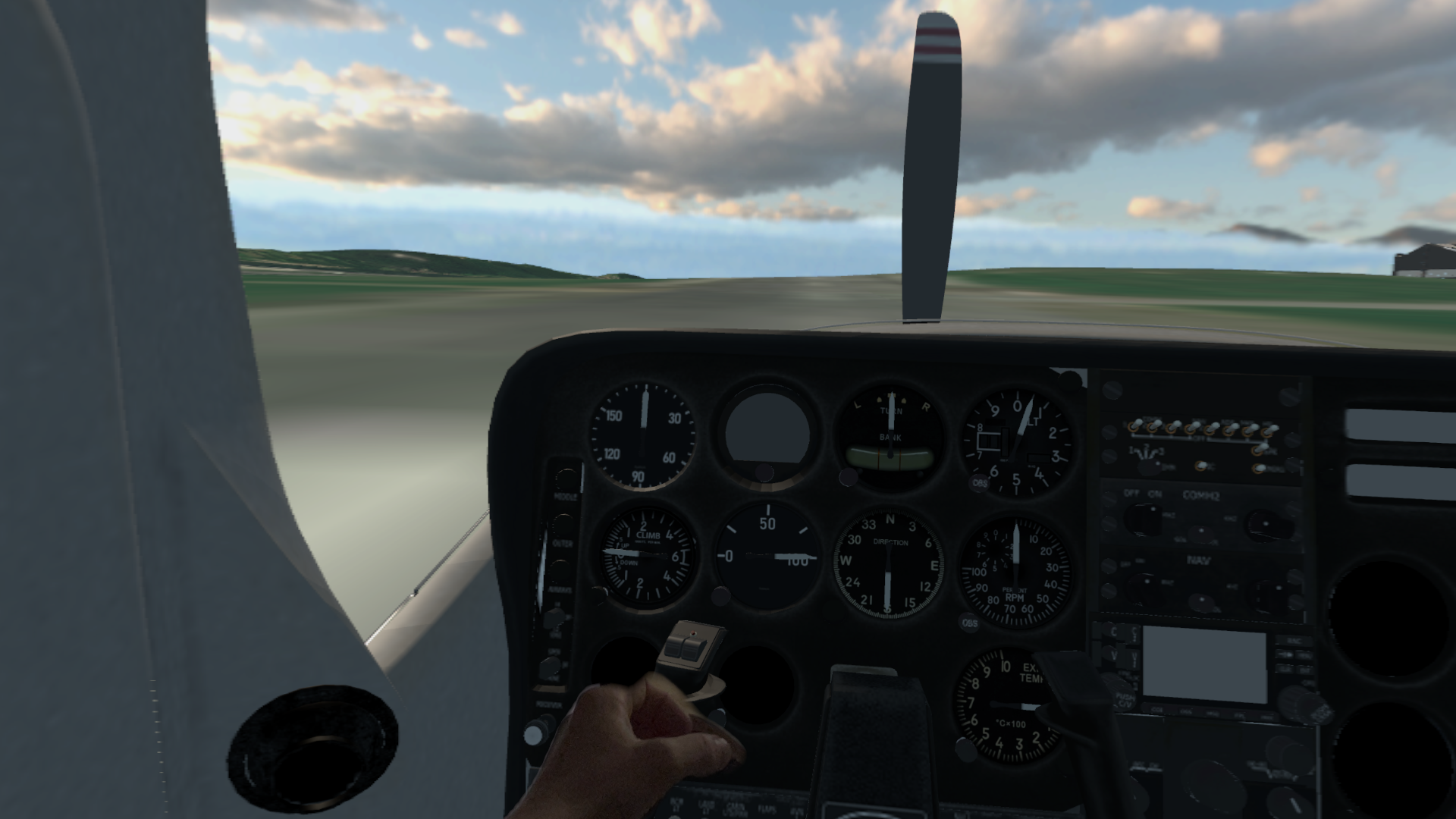
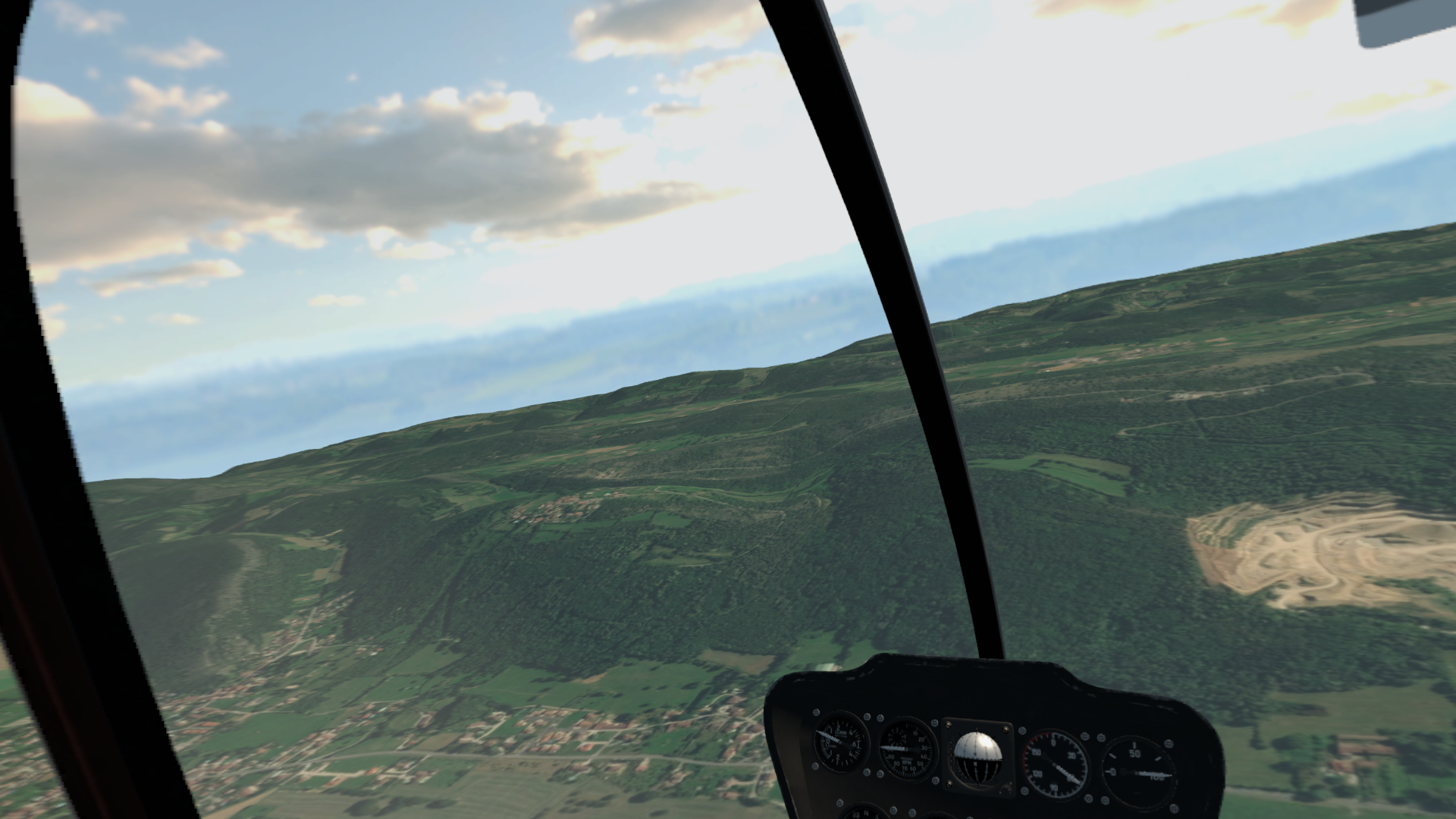
AeroSyncFS is a realistic flight simulator where you can take the controls of iconic aircraft like the Cessna 172 or the Robinson R44 helicopter. My goal was to create a simulation that feels authentic but remains accessible to everyone, even if you aren't a pilot (yet!).
The heart of the game is its optional local multiplayer mode. It allows you to fly together in the same cockpit, take passengers along for the ride, or fly in formation with other pilots on your network.
/!\ The next update will bring an all new flight dynamic model. The simulation will become very accurate and will requires more efforts from the user.
How to play in VR on MacOS?
First you need to follow instruction of the OpenXR OSX runtime. Then you've to start the game from the command line with the following command as example:
XR_RUNTIME_JSON=/Users/Yann/Projets/openxr_osx/build/runtime/openxr_osx.json /Applications/AeroSyncFS.app/Contents/MacOS/AeroSyncFS
Play it your way
I’ve designed AeroSyncFS to be truly cross-platform and multi-device. Whether you are on Windows, macOS, Linux, or Meta Quest, you can jump in. While the game has been optimized and built from the ground up for VR headsets, it works perfectly on a standard screen as well (please note that multi-monitor support is not yet available).
You have total freedom in how you control your aircraft:
- Use a gamepad or a joystick for a classic experience.
- Use VR controllers to physically grab the yoke and switches.
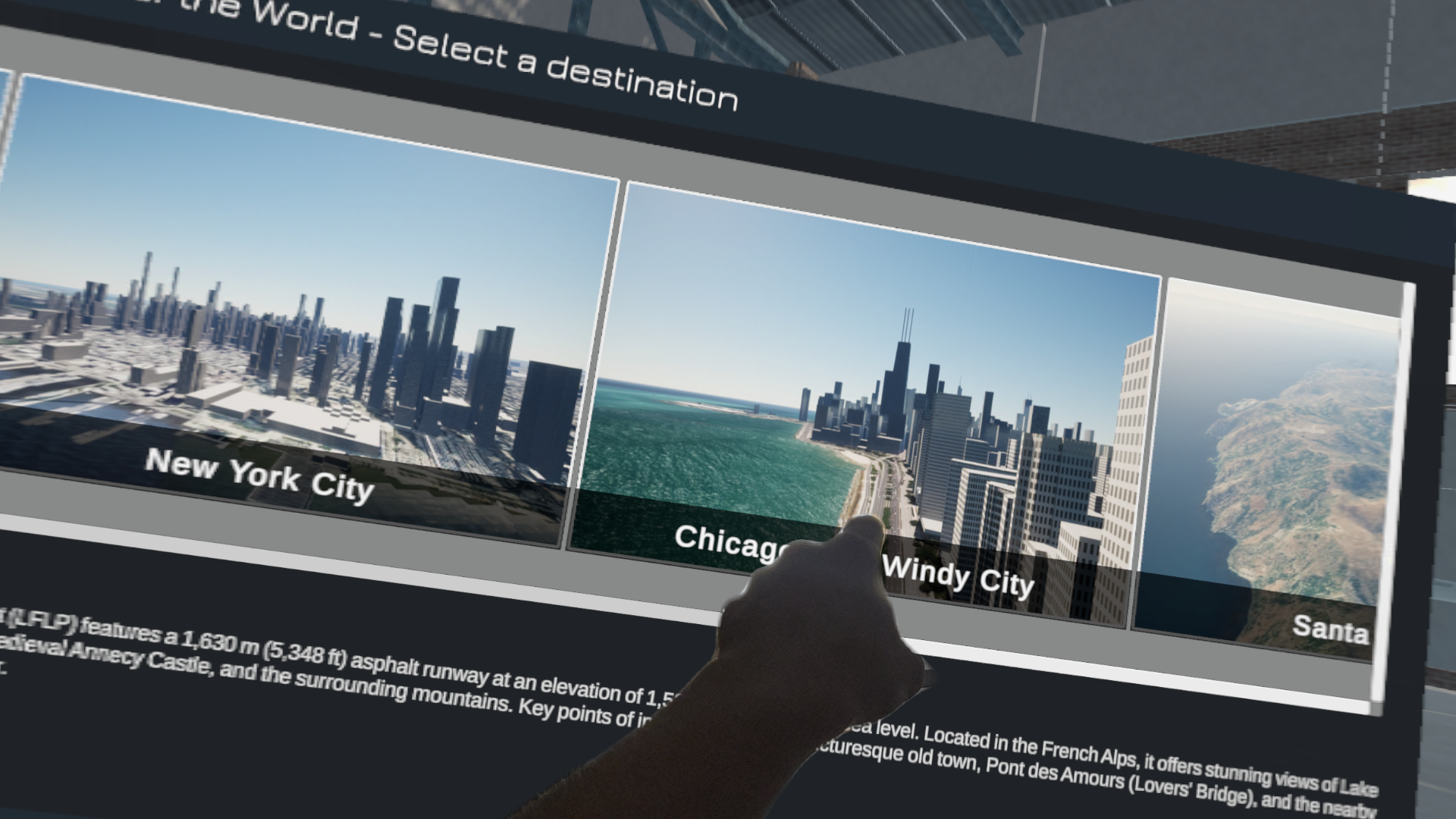
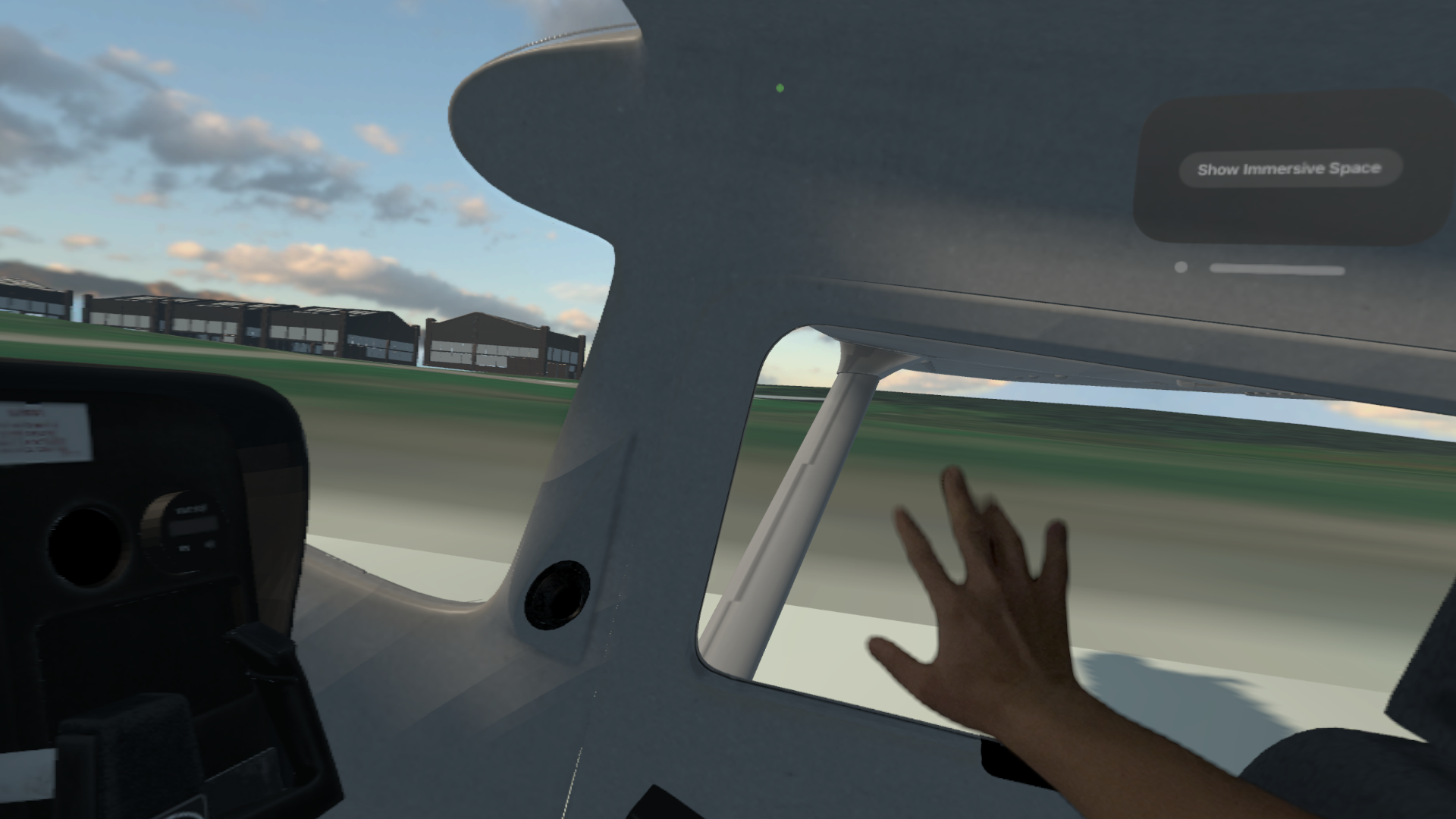
- Use Hand Tracking to interact with the cockpit with your bare hands.
Support the project
The core game will always be free and cross-platform. You are encouraged to leave a small tip if you enjoy the experience, but there is no obligation. If the game finds its audience, I plan to release future expansions and new content.
Inputs
You can play using a joystick, a gamepad or a keyboard (but it's not great)
- Throttle: Left Shift / Left Control
- Starter: E
- Ailerons: Left/Right arrow keys
- Stabilizer: Up/Down arrow keys
- C: Toggle external / internal camera
- Mouse click right : Move the camera
Fly Safe!
Download
Click download now to get access to the following files:
Comments
Log in with itch.io to leave a comment.
Tenho uma sugestão pra você, coloca o H125
Shouldn't there be an apk for the quest headsets?
Hello,
An APK will come later, the initial release is for MacOS to test the VR integration. But yes an APK will come later this year, probably on the store and here
Great! Thanks and keep up the good work!
Thanks!
Where's the "instruction of the OpenXR OSX runtime"? Atm I'm getting Apple dialog saying "The application "AeroSyncFS" can't be opened. I'm on M3.
Hello,
It's because it wasn't signed, you have to allow it in the security panel. But I'll sign it today. Give me some hours and I'll upload a new version that will work for you.
Yannick.
The new build is online, signed, notarized, it should be fine now
Yes, it works now.
But what about OpenXR OSX, how to set that up?
It'll be released tomorrow on github https://github.com/demonixis/OpenXR-OSX.
I'll update the game another time for that release